Integrate FormatCode Into Dev-C++ |
|
The following instructions allow you to format source code files in Dev-C++ using FormatCode command line tool. We used a free version of Dev-C++ Version 4.9.9.2, so if you use an older or even a newer version then several screenshots or menu items may differ from our description.
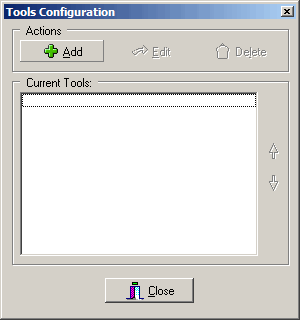
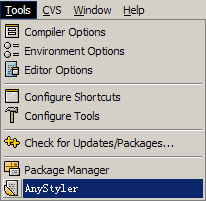
1. Click "Tools" -> "Configure Tools...". 2. Click the "Add" button to add a new tool.
3. Assuming you installed FormatCode in C:\Program Files\FormatCode\, fill in the form as show below:
4. Click "OK" button to save settings.
1. By clicking "Tools" -> "FormatCode".
|
 Format Source Code within Dev-C++